

Blog
How to get the most out of automated Instagram posts
Our newest enhancement allows brokers and agents to post scroll-stopping content on social media even more easily. Learn more.
Busy brokers and agents face a tough social-media challenge: the average homebuyer spends hours on social each day, while many agents and sellers are less comfortable with social media and less confident about what they post.
The solution: technology.
Digital marketing tools for real estate
Real estate professionals can use tools such as Paradym by Constellation1 to take social-media marketing off their plates.
Social publishing pays dividends, and the right solution lets your team gain those benefits with minimal effort. Changes to the Instagram API and enhancements to Reach Social mean users can now use automated Instagram posting—a capability that was previously unavailable because of platform restrictions.
Automated Instagram posting
According to DataReportal, nearly 160 million people in North America actively use Instagram. Millennials—the largest group of first-time homebuyers—use Instagram more than any other platform, according to Business.com.
Until recently, Instagram prevented third-party tools such as Paradym by Constellation1 from posting automatically. Users had to go to Instagram manually every time they wanted to post, creating friction in the process.
Now users can post to Instagram automatically without leaving the Paradym platform. The instructions below are for existing Paradym customers. If you are not using our digital marketing suite yet, learn more about the solution.
Step-by-step guide to automated Instagram posting with Paradym by Constellation1
After a few simple steps, you can start automating Instagram posts and capturing more organic real estate leads from the platform.
Converting your Instagram account from a Personal to a Creator or Business Account
Meta requires a Professional account before you can post with third-party solutions such as Paradym by Constellation1. Switching a personal Instagram account is straightforward.
From your mobile device:
-
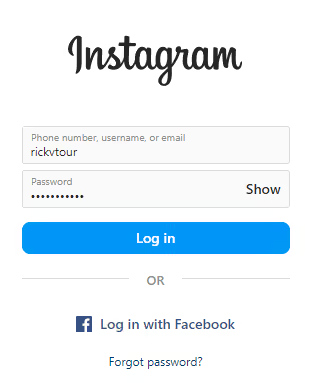
Log in to your Instagram account.
-
Tap your account avatar or profile image button.
-
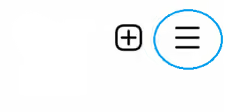
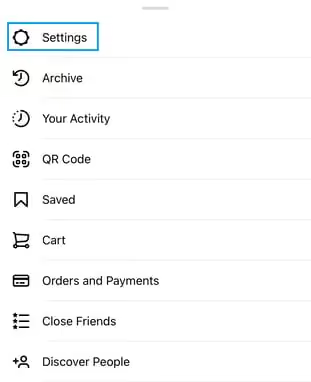
In the top-right corner, tap the hamburger menu (≡), then select Settings.
-
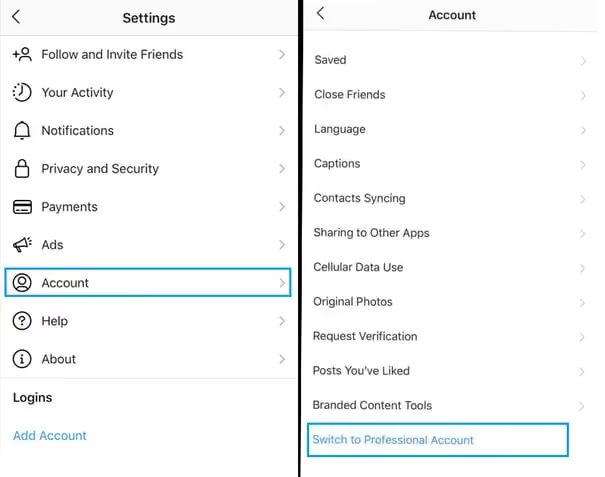
Tap Account, then Switch to professional account. For some accounts, this option appears directly in Settings.
-
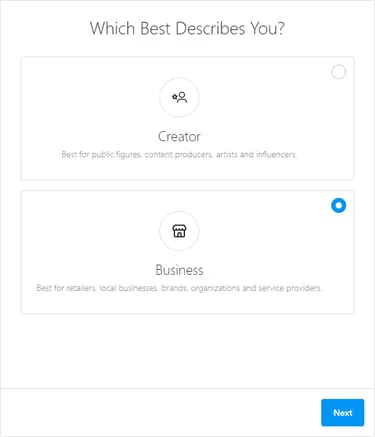
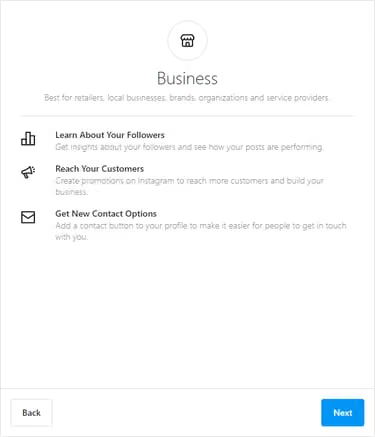
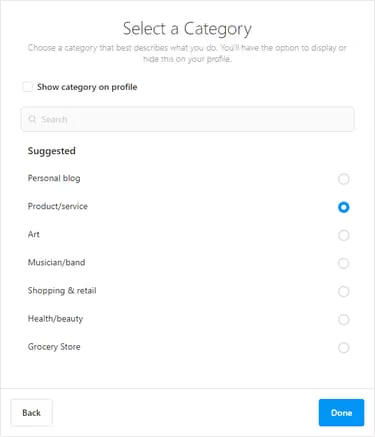
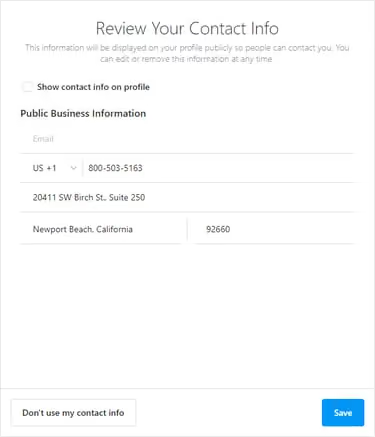
Tap Continue and select the options that describe whether you are a Creator or Business, your business category, and your professional contact information.
-
Follow the remaining prompts. For help with this part of the process, visit Instagram’s Help Center.
-
When Instagram confirms that your Professional account is ready, tap Done.
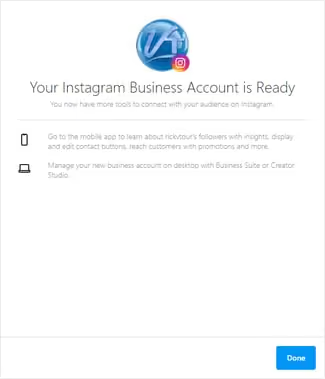
If you prefer to use a computer, the steps are nearly identical, although the interface elements may appear in different locations.
Linking your Instagram and Facebook accounts
To post to a Professional Instagram account from Paradym by Constellation1, you must also connect it to your Facebook business page.
-
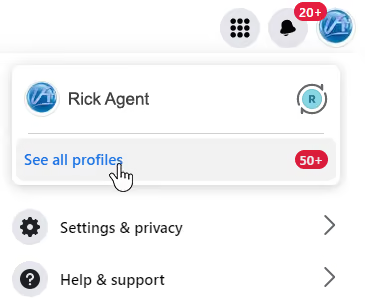
Log in to Facebook on a computer. If needed, select your business profile by choosing the account avatar, See all profiles, and then the business page you want to link.
-
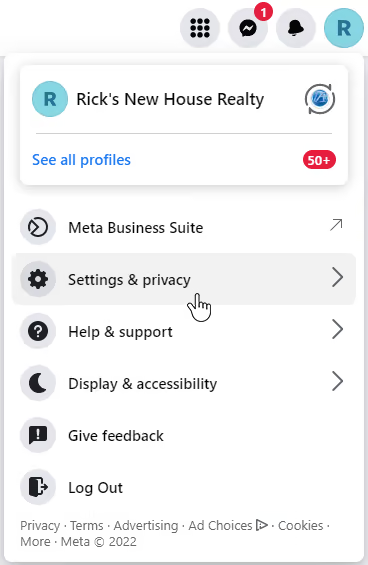
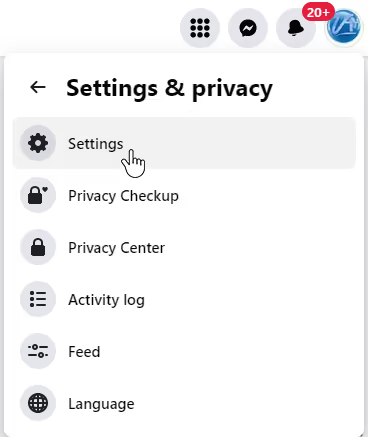
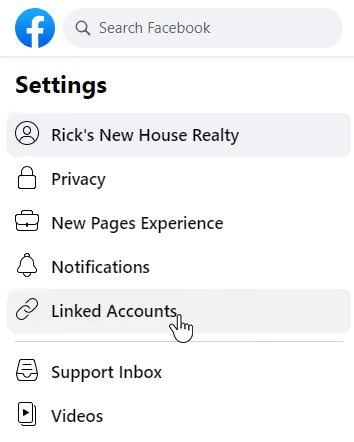
Select the account avatar for the business page, then choose Settings & privacy and Settings.
-
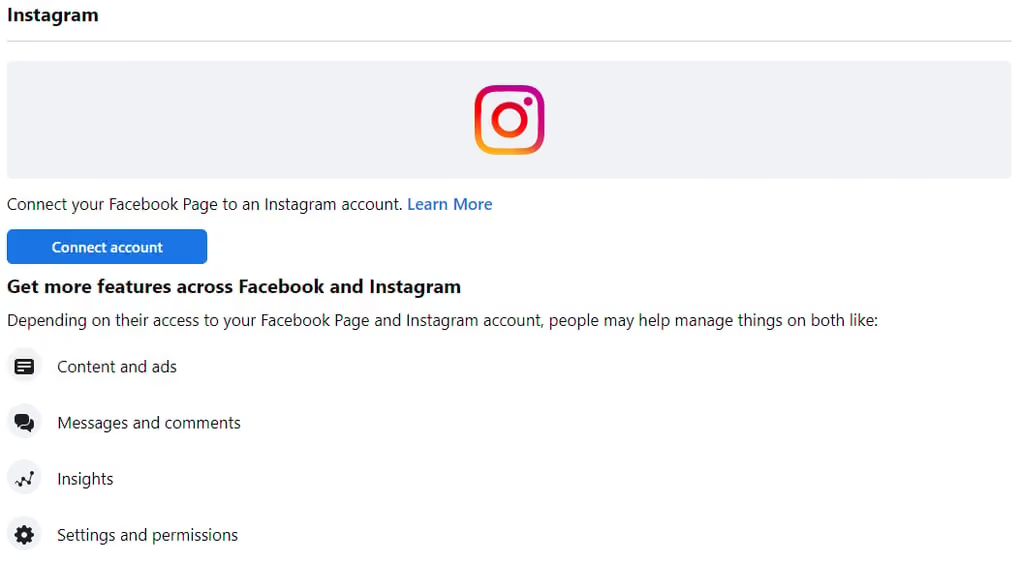
Select Linked Accounts, then choose Connect account.
-
A modal explains what you are about to do. Select Connect account.
-
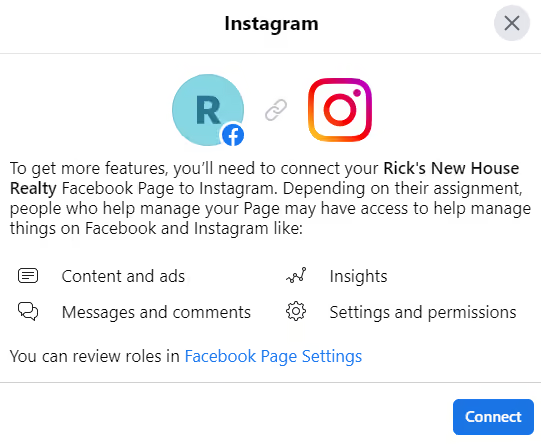
Select Connect.
-
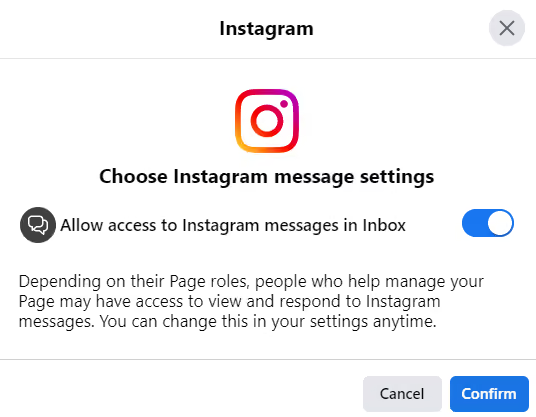
Choose whether to allow Instagram messages in Inbox, then select Confirm.
-
Enter your Instagram credentials and select Log in.
-
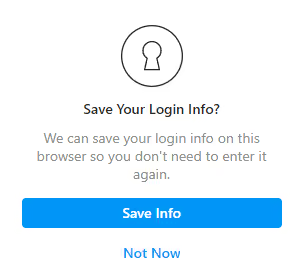
Choose whether to save your login information.
-
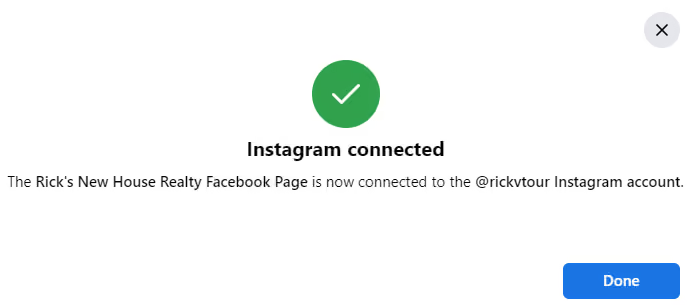
Confirm that Instagram has connected successfully, then select Done.
Linking your Instagram account with Paradym by Constellation1
From the Settings screen in your Paradym account:
-
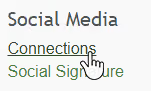
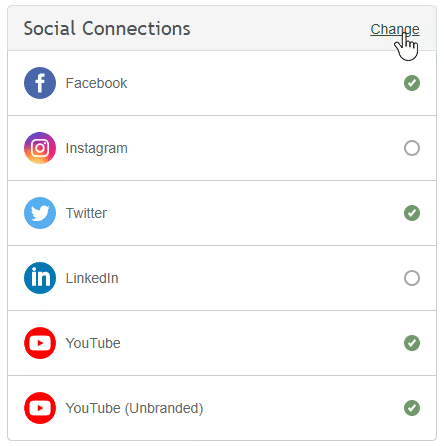
Select Connections in the left navigation, or choose Change in the Social Connections section.
-
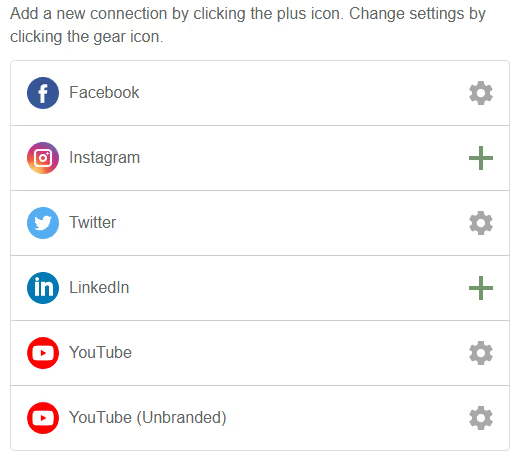
In the Instagram row, select the plus icon.
-
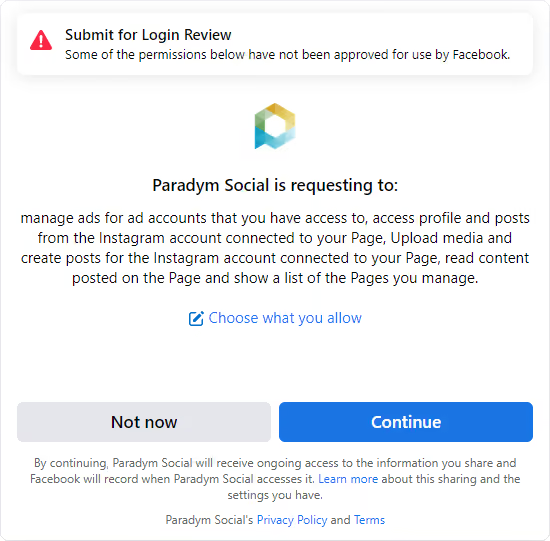
Depending on the Facebook or Instagram profiles shown, you may need to select Continue a few times to authorize Paradym to post on your behalf.
-
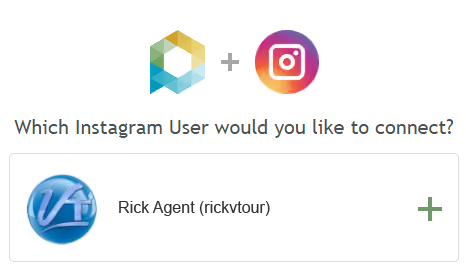
When prompted, select the plus icon next to the Professional Instagram account you want to connect.
-
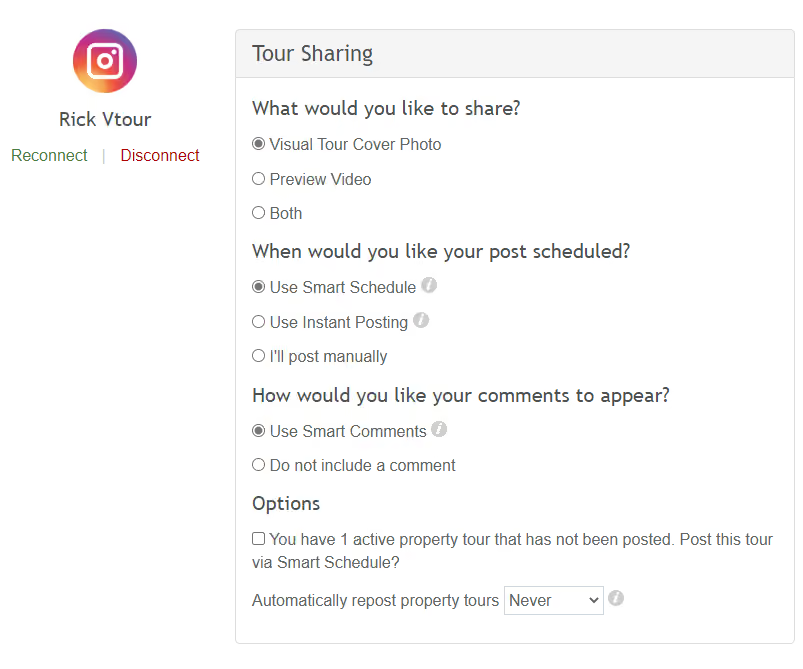
Select what should be shared for future tours, how posts should be scheduled, whether to include Smart Comments, whether to post active unposted tours, and how often to repost. Then select Save.
What’s included in your automated Instagram posts
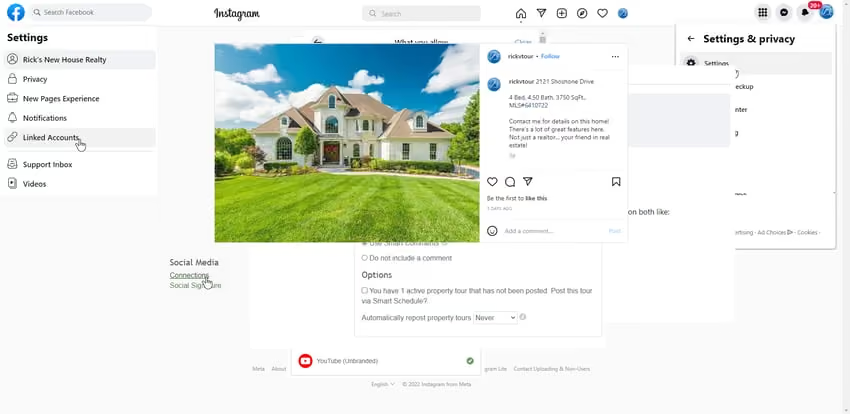
Paradym by Constellation1 uses active listings and MLS information to create engaging posts with an image, property information, and a call to action. Your posts can include:
- The cover photo, preview video, or both
- Property address
- Number of bedrooms and bathrooms
- Square footage
- MLS number
- Social-media signature
- Smart Comment, when enabled in Settings
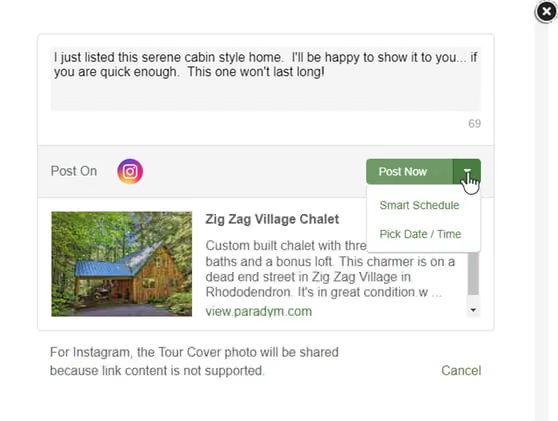
When Smart Schedule is enabled, posts go live during normal working hours when engagement is highest—from 8 a.m. to 8 p.m. ET—and are spaced at least one hour apart.
Have questions? We’re here to help
Existing customers can email paradym@constellation1.com or call +1 800-503-5163, option 2, then option 7. If you are not yet a customer, get started.
Put your social media on autopilot and get more leads without more work
Paradym by Constellation1 helps you take your online presence to the next level. By automating Instagram posts, you can put more eyes on your listings and drive more traffic to your website without adding work to your day.
Try Paradym by Constellation1 today
Paradym by Constellation1 gives you the support of a digital marketing team around the clock. See how customers use it or request a demo to learn what it can do for your business.